The Page Is the Interface

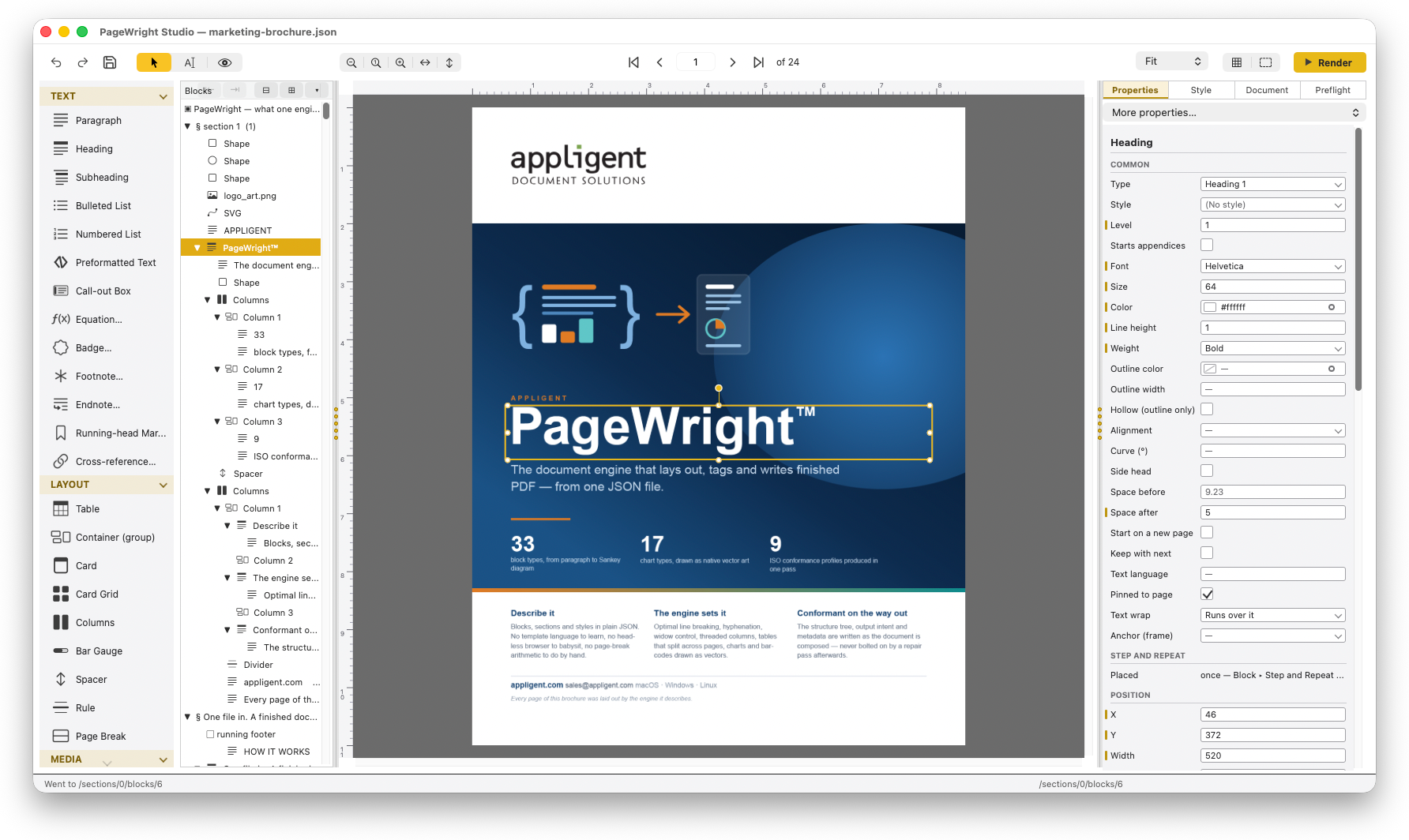
  • Direct manipulation on the real page — selection handles, a rotation grip, snap-to-grid, and undo behind every move
  • Type where the text lives: double-click and the paragraph becomes an editor in the exact geometry of the printed line, reflowing as you type
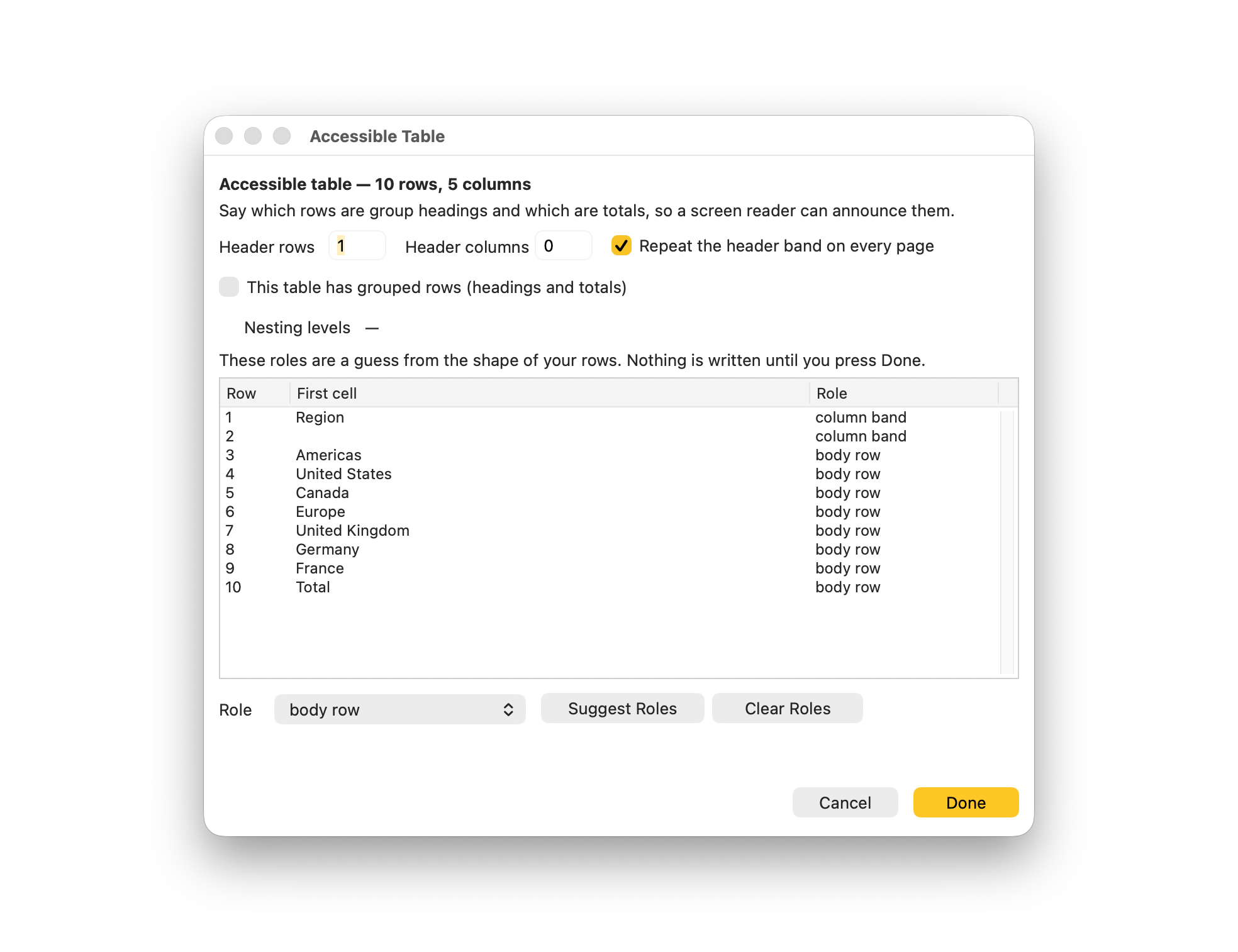
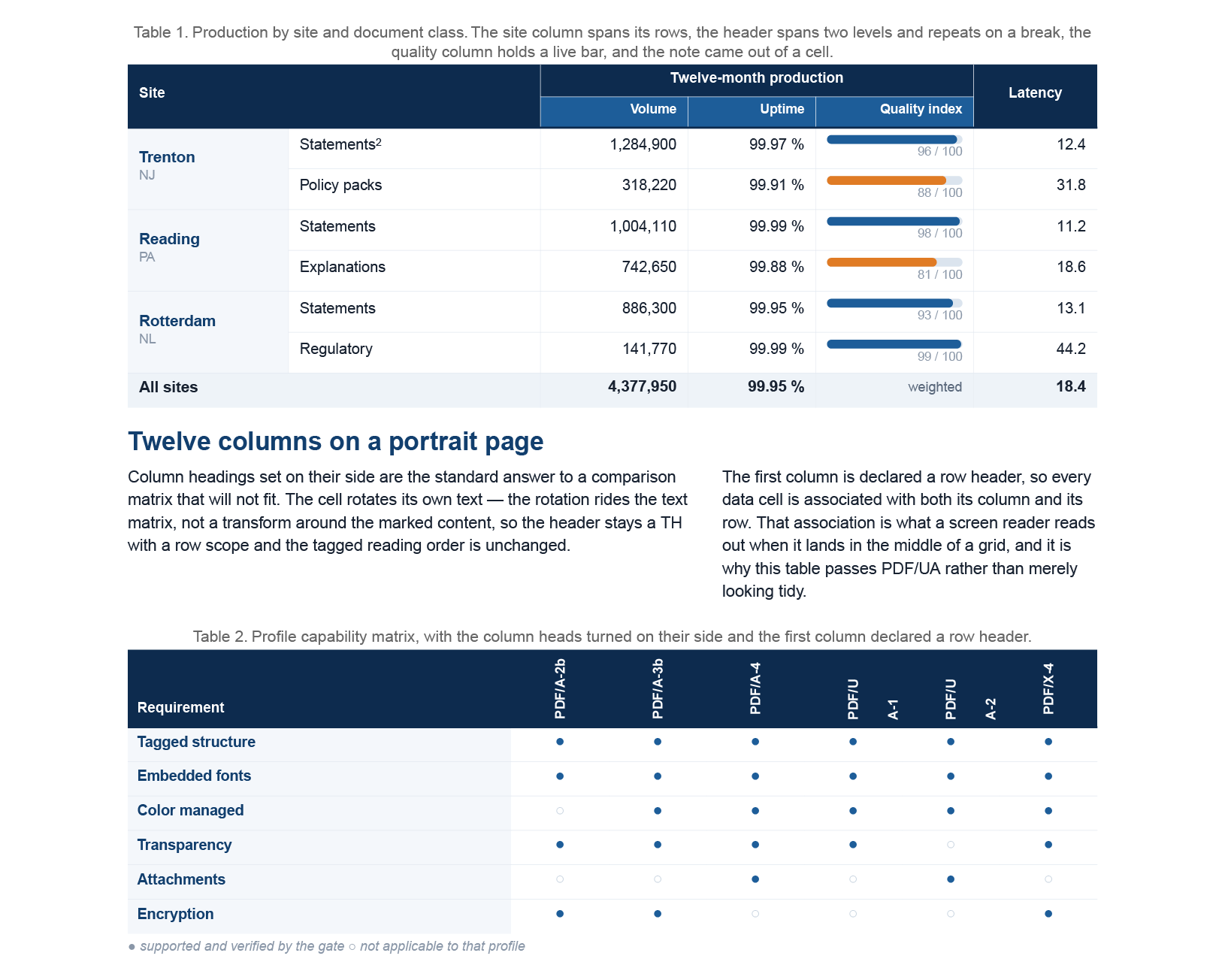
  • Edit tables in place — insert rows and columns anywhere, tint the header band, set widths in points or fractions; a long table repeats its header on every page
  • The document is a tree: drag outline rows to reorder or re-parent them, filter by type, and Convert To turns a block into another kind without retyping it
  • Paste from Word or a web page and it lands as real blocks — headings, lists, tables — ready to restyle, never a picture of text
  • Draw Bezier curves that reshape by their anchors and handles, and set any paragraph along the curve you drew
  • Everyday mechanics: undo everywhere, autosave with crash recovery, Find & Replace with hits highlighted on the page, and rulers and guides in inches, centimeters or points

75 Blocks, One Inspector

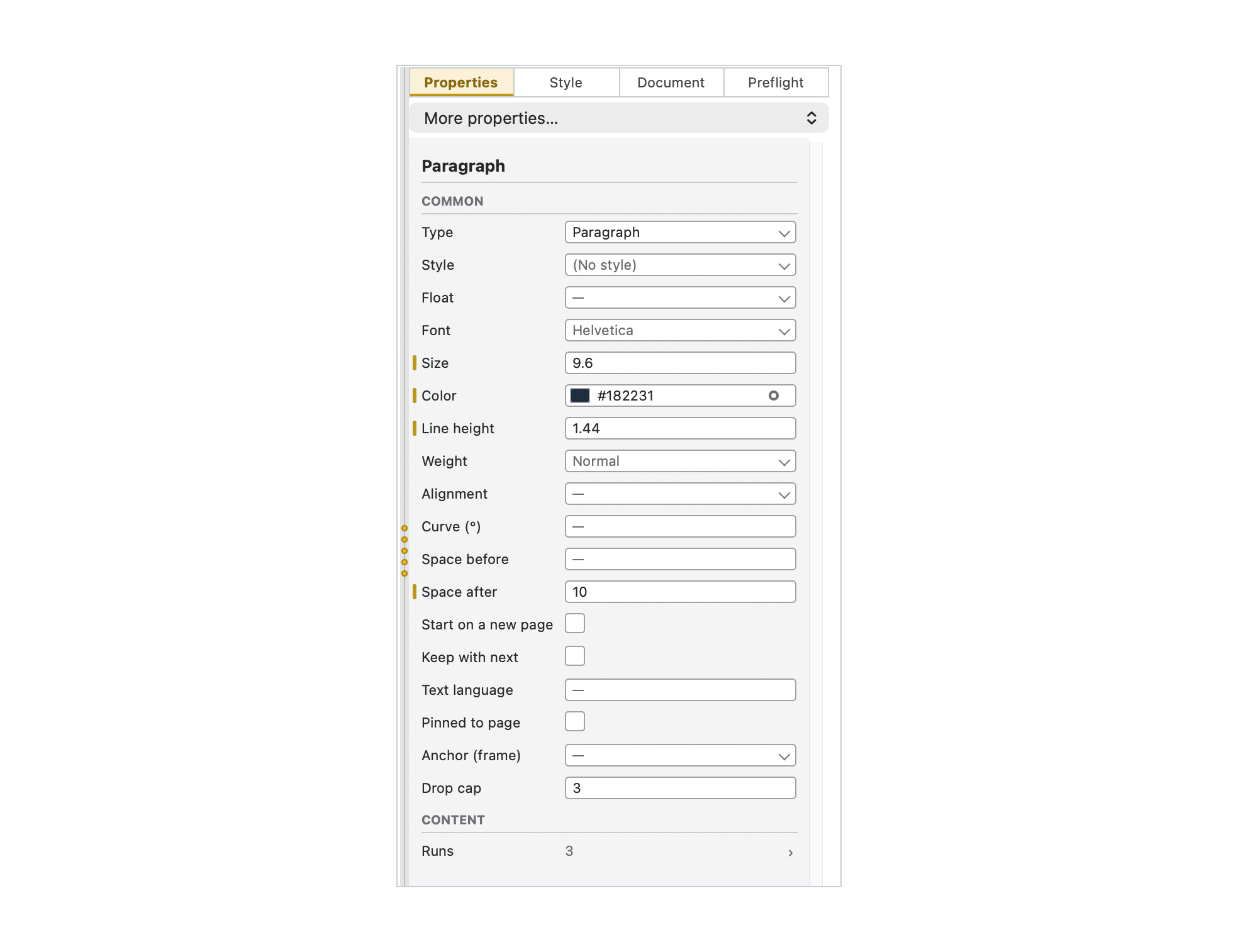
Text, tables, images, charts, barcodes, form fields, footnotes, cross-references and repeating data blocks — 75 ready-to-place blocks, inserted from the menu or dragged from the tool palette, and one inspector that speaks the engine's vocabulary without its syntax.

  • Text — paragraph, heading, subheading, bulleted and numbered lists, preformatted text, call-out box, equation, badge, footnote, endnote, running-head marker, cross-reference
  • Layout — table, container, card, card grid, columns, bar gauge, spacer, rule, page break
  • Media and shapes — image, SVG image, diagram, emoji; rectangle, ellipse, line, polygon, Bezier curve
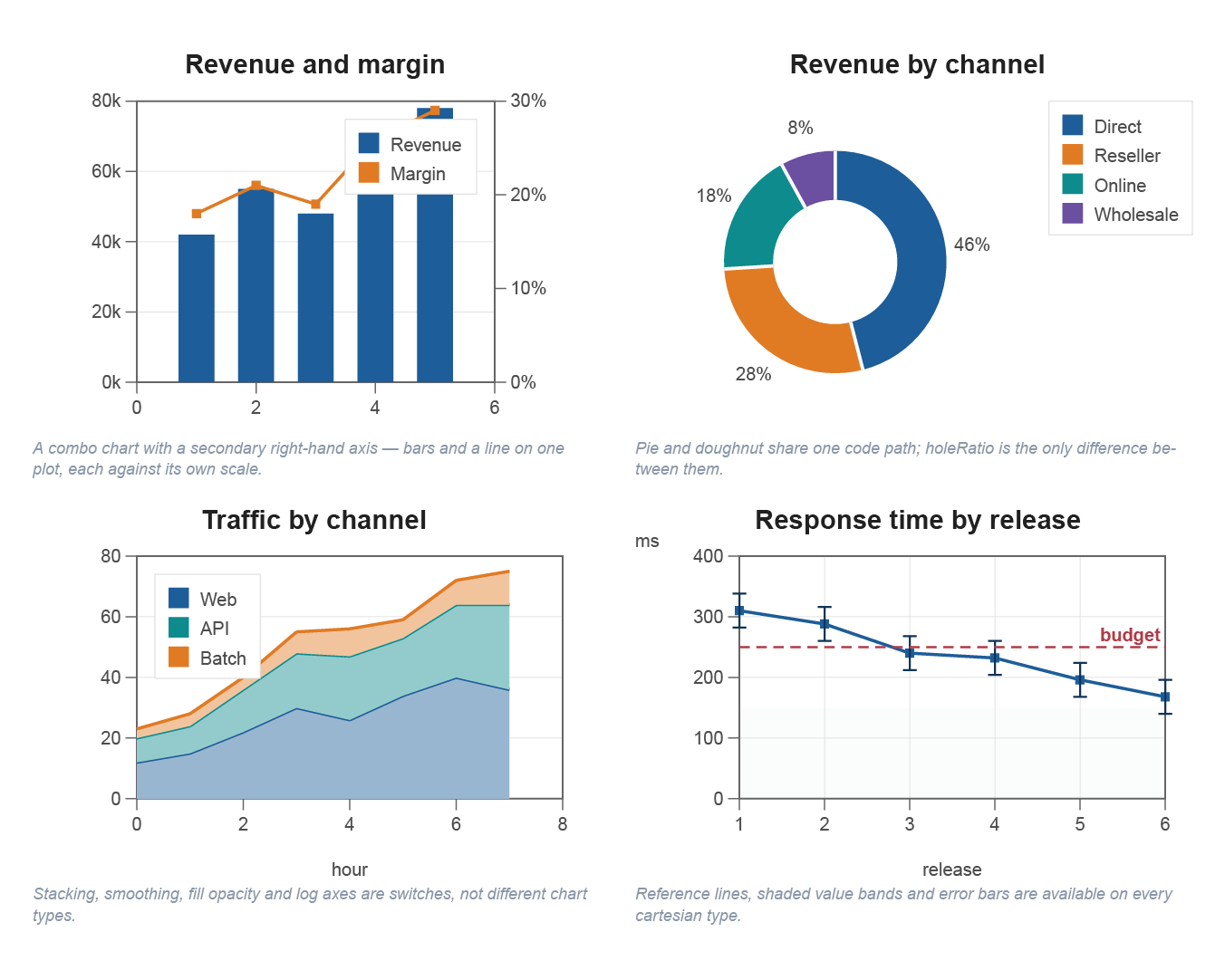
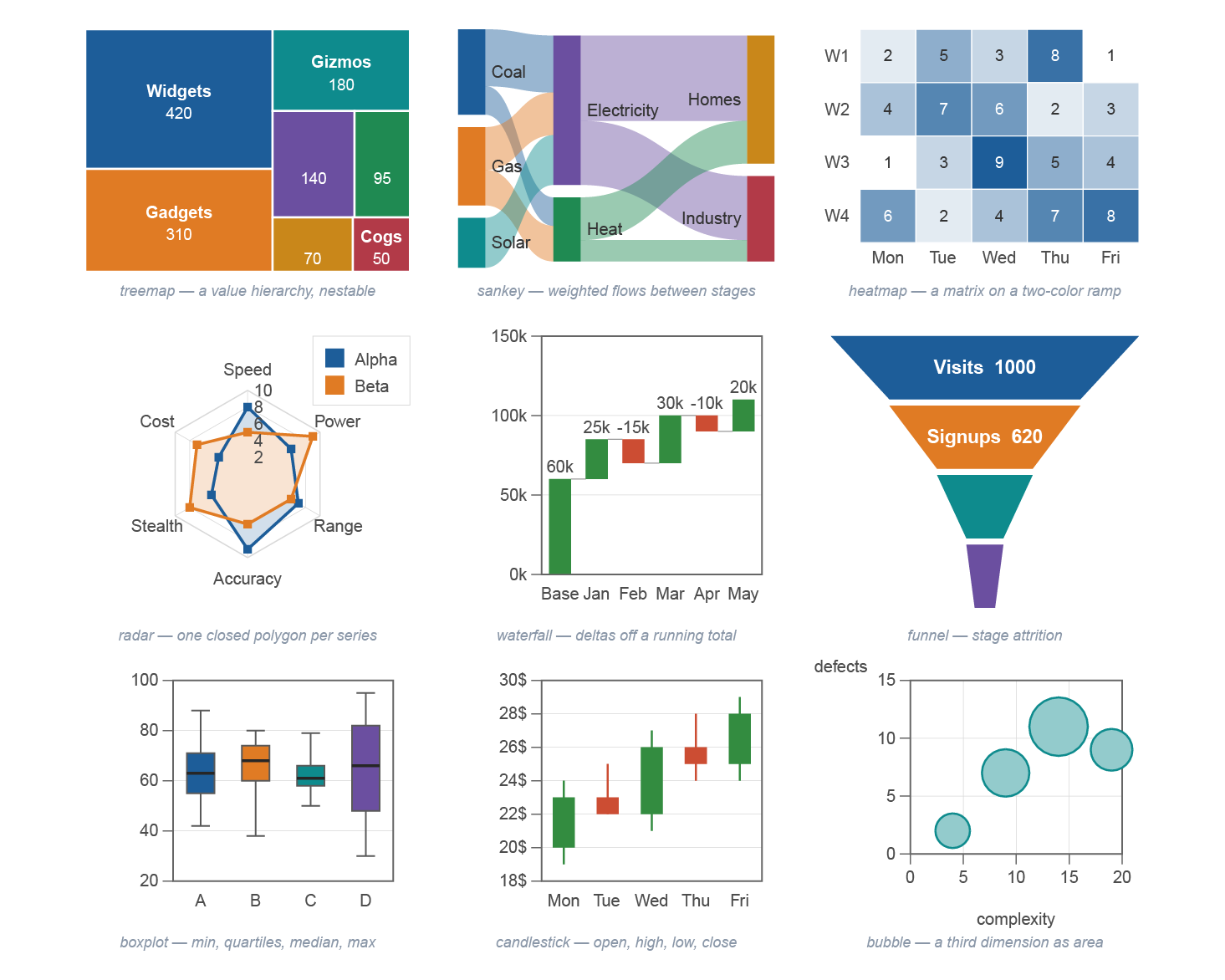
  • Charts — 20 types: bar, line, pie, area, waterfall, funnel, treemap, Sankey, stacked bar, horizontal bar, combo, doughnut, scatter, bubble, radar, polar, candlestick, box plot, heatmap and gauge, drawn as native vector art and tagged
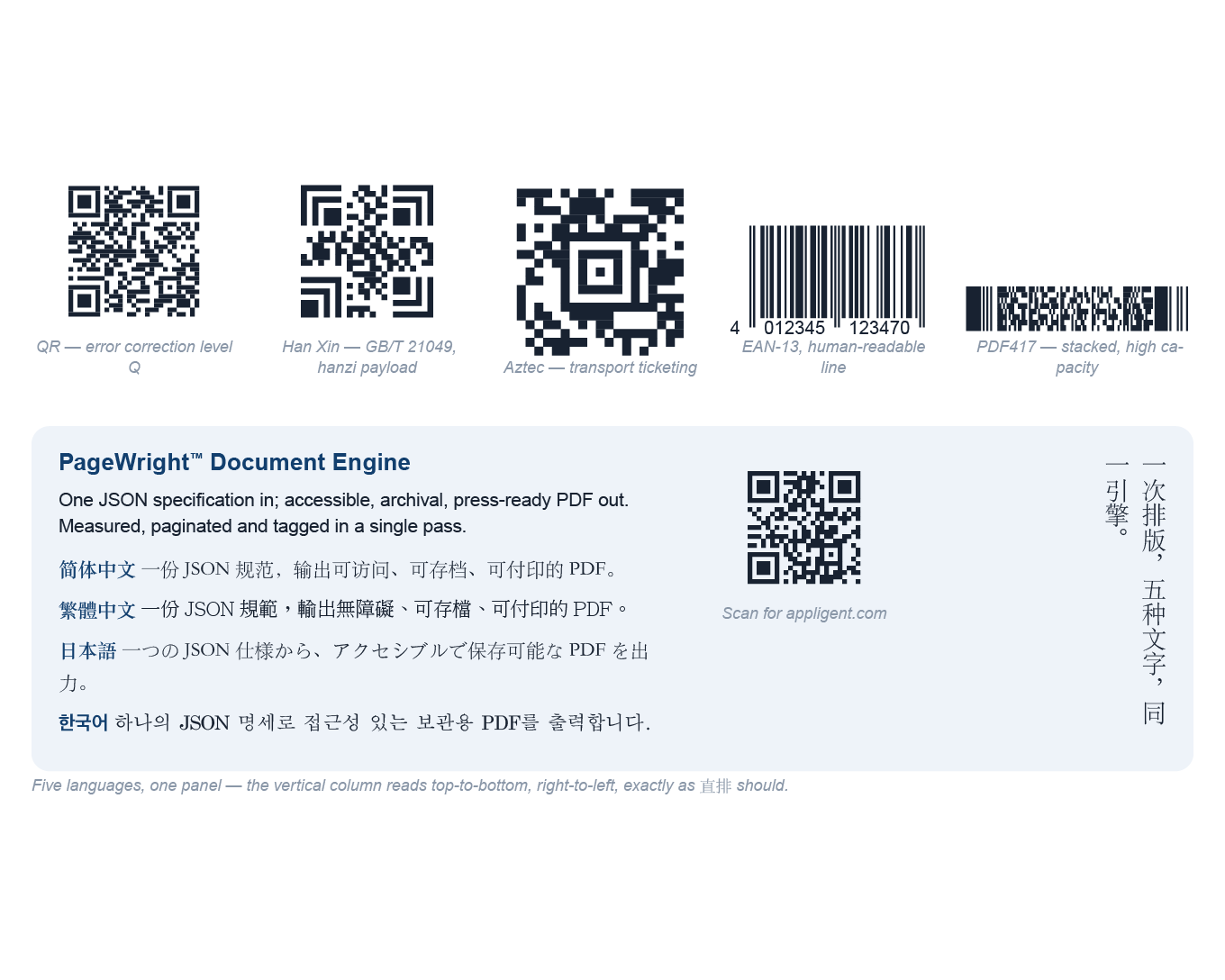
  • Barcodes — Code 128, QR Code, EAN-13, UPC-A, Code 39, Data Matrix, PDF417, Aztec
  • Placed PDF — a page of another PDF, or a contact sheet of a whole file
  • Form fields — text field, checkbox, radio buttons, dropdown, list box, signature field, push button, date field, label
  • Data — repeat, conditional, include partial, text frame, merge field

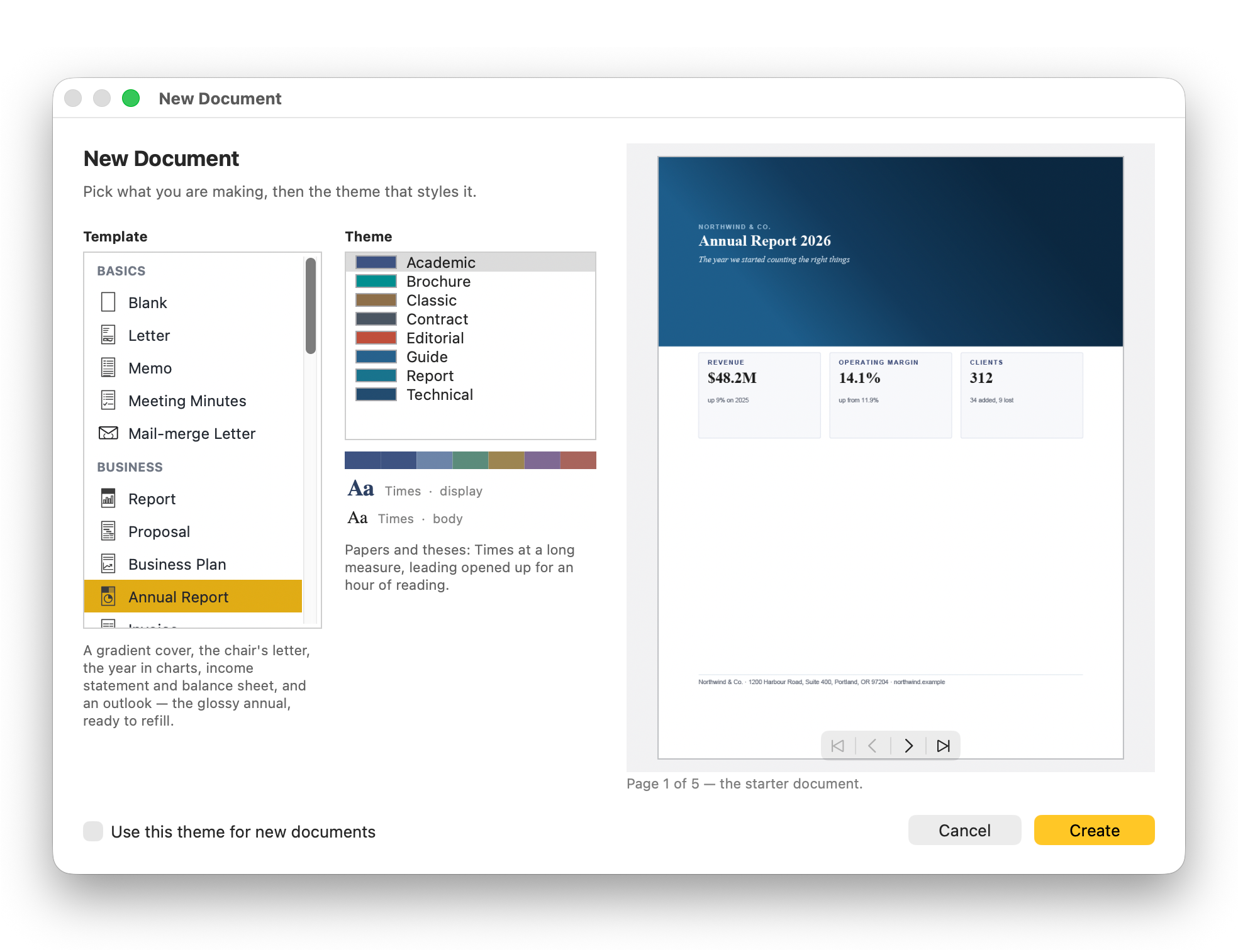
Start from one of 31 starter templates, each available in 8 built-in themes with palettes tuned for WCAG contrast — then edit any theme and export your own.

Standards on the Way Out

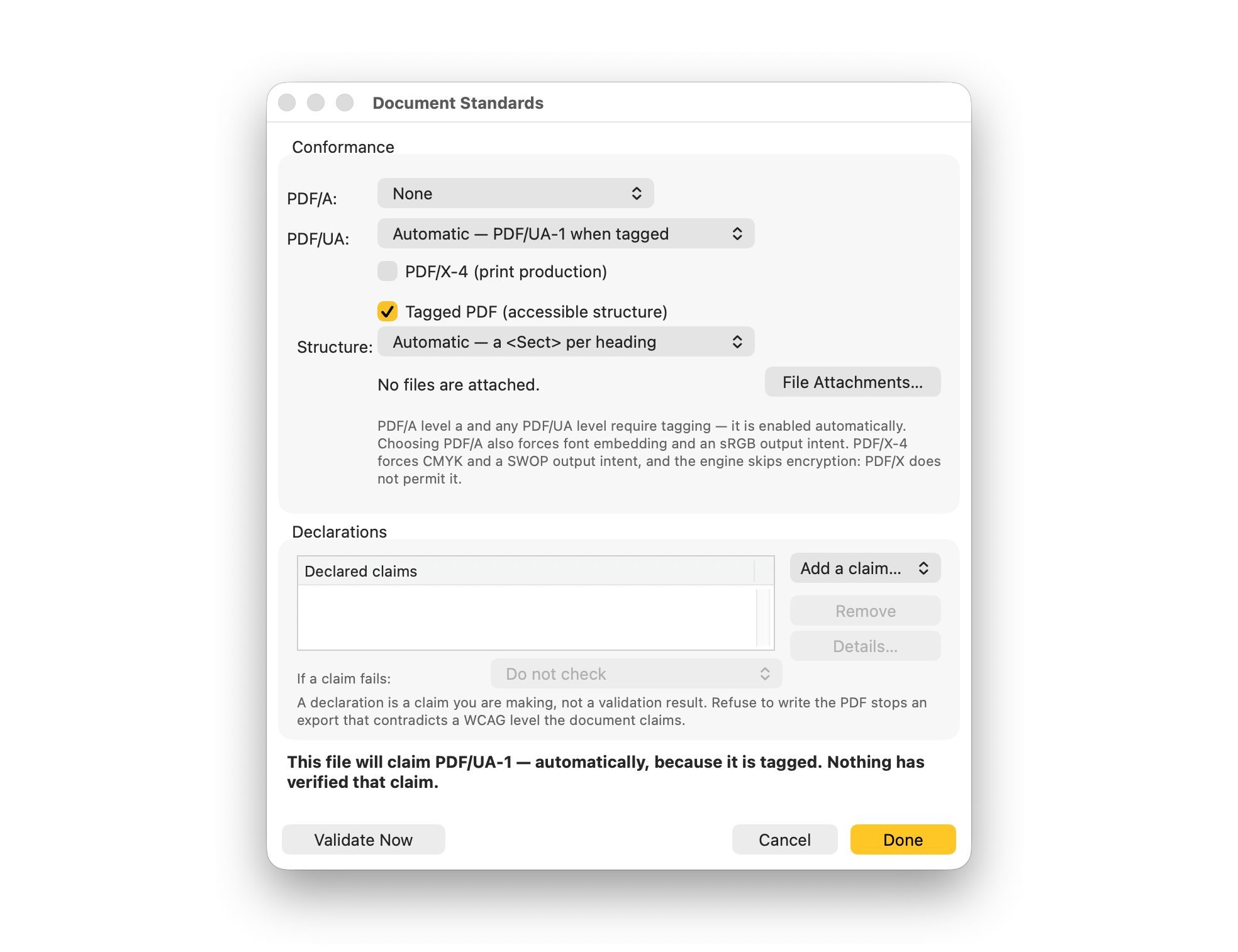
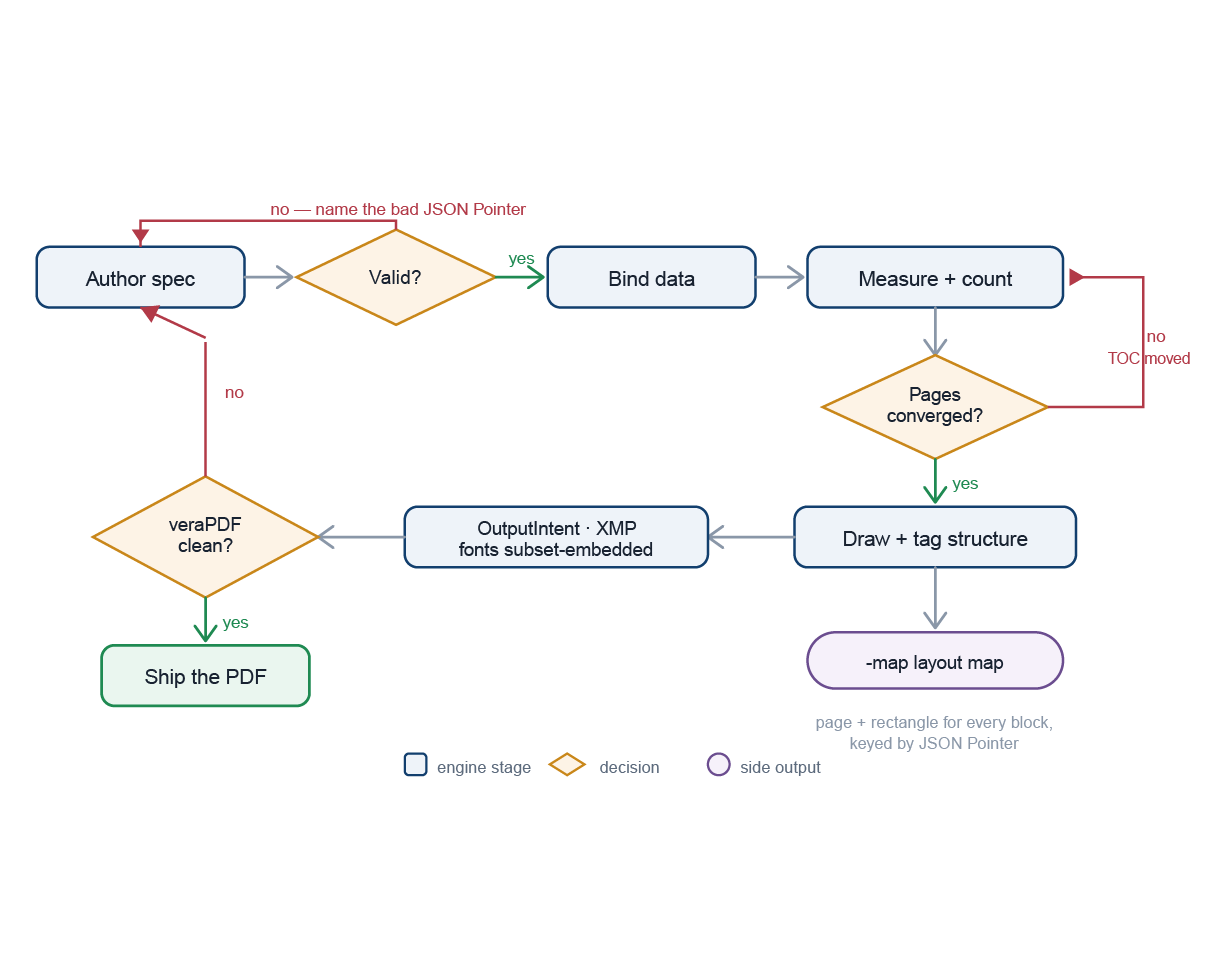
The structure tree, alternate text, output intent and metadata are written while the document composes — tagged PDF/UA and archival PDF/A are how pages leave, not an export plug-in. Declare the target in Document > Output Standards; the export honors it and the app validates against it.

  • PDF/A-2b, 2u, 2a — archival: visual fidelity, Unicode text, tagged structure
  • PDF/A-3b, 3u, 3a — the PDF/A-2 levels plus embedded file attachments
  • PDF/A-4, 4e, 4f — the PDF 2.0 baseline, engineering, and attachments
  • PDF/UA-1, PDF/UA-2 — accessible structure, for PDF 1.7 and PDF 2.0
  • Tagged PDF — the full structure tree, with or without a declared level
  • WCAG 2.1 and 2.2 — the engine's content audit: contrast, alternate text, heading order
  • veraPDF built in — one click validates the rendered file against the declared level. veraPDF runs on Java, which is not included: any Java 8 or later works

Forms Are Real AcroForm

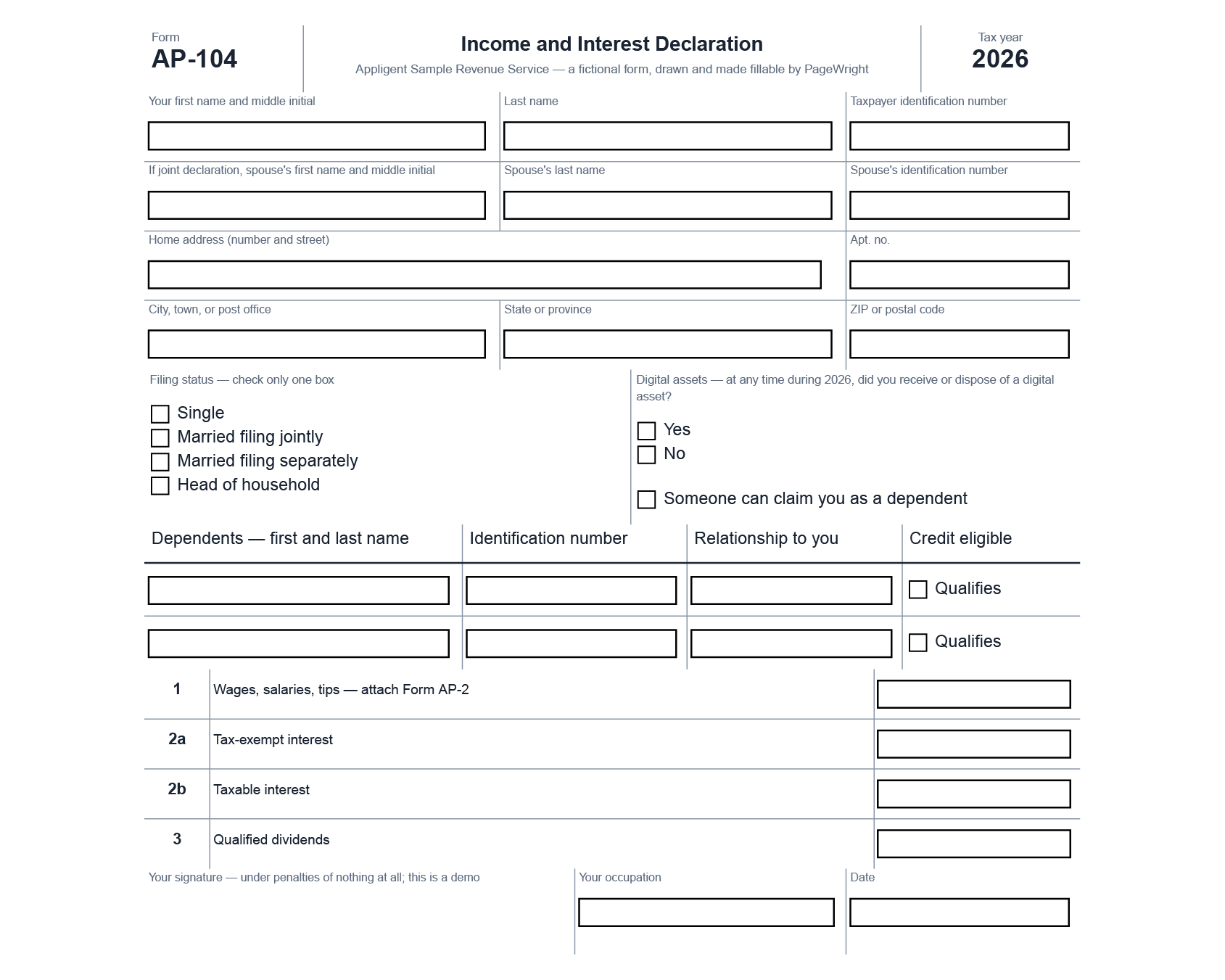
Drop fields from the palette — text, checkbox, radio, dropdown, signature, date — and they lay out like any block. They are real AcroForm fields, not drawn imitations: open the exported PDF in a viewer and type into them. Each field is tagged with its tooltip, so a fillable form stays accessible.

The Document Is Data

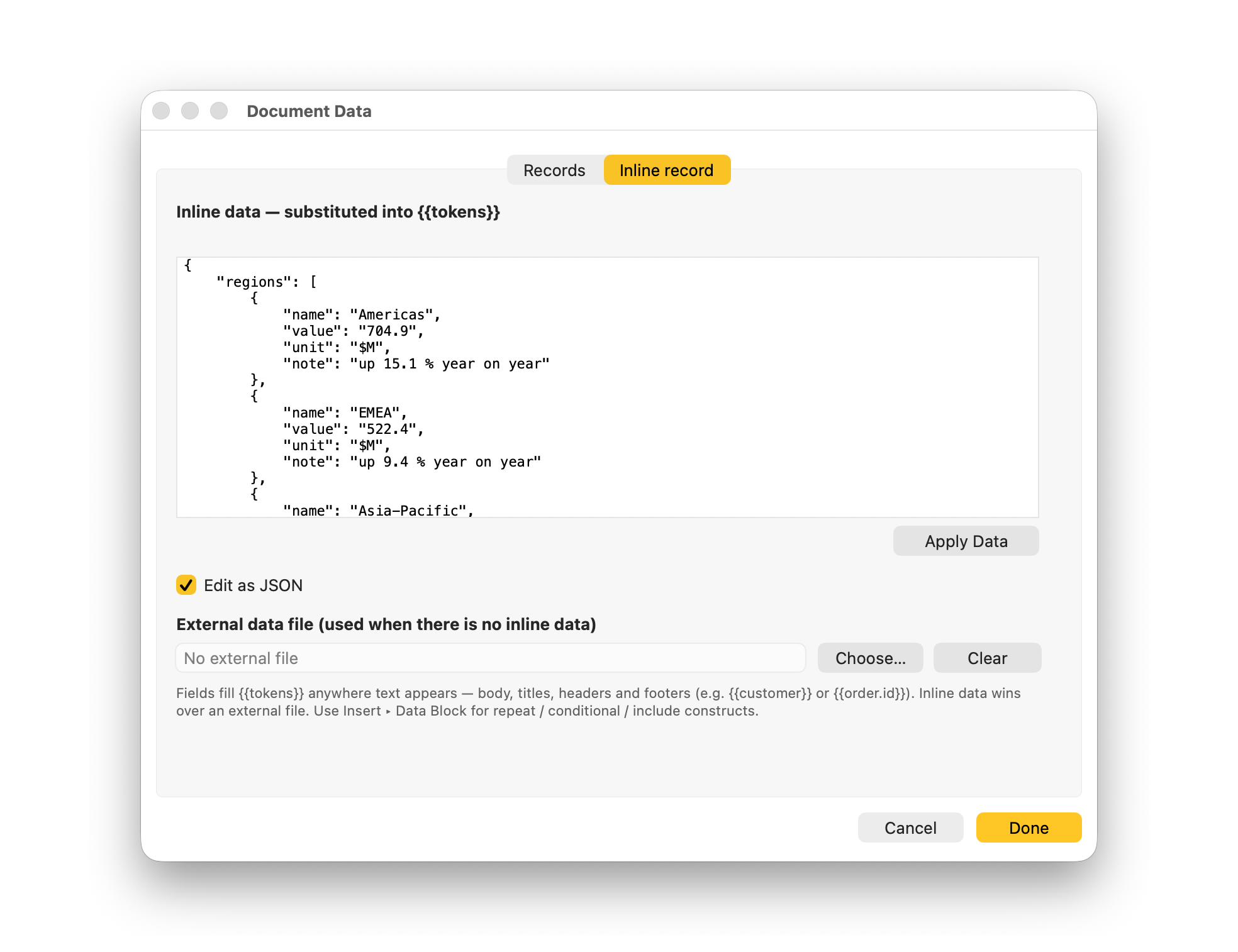
Repeat blocks loop over arrays, conditionals switch on fields, and {{tokens}} pull values into any text — point the document at a JSON data source and the layout you designed fills itself. A PageWright Studio file is a template for every future version of itself.

When the same document has to be produced unattended and at volume, run the file on PageWright, the server engine — it comes out exactly as you designed it.

Real Typesetting

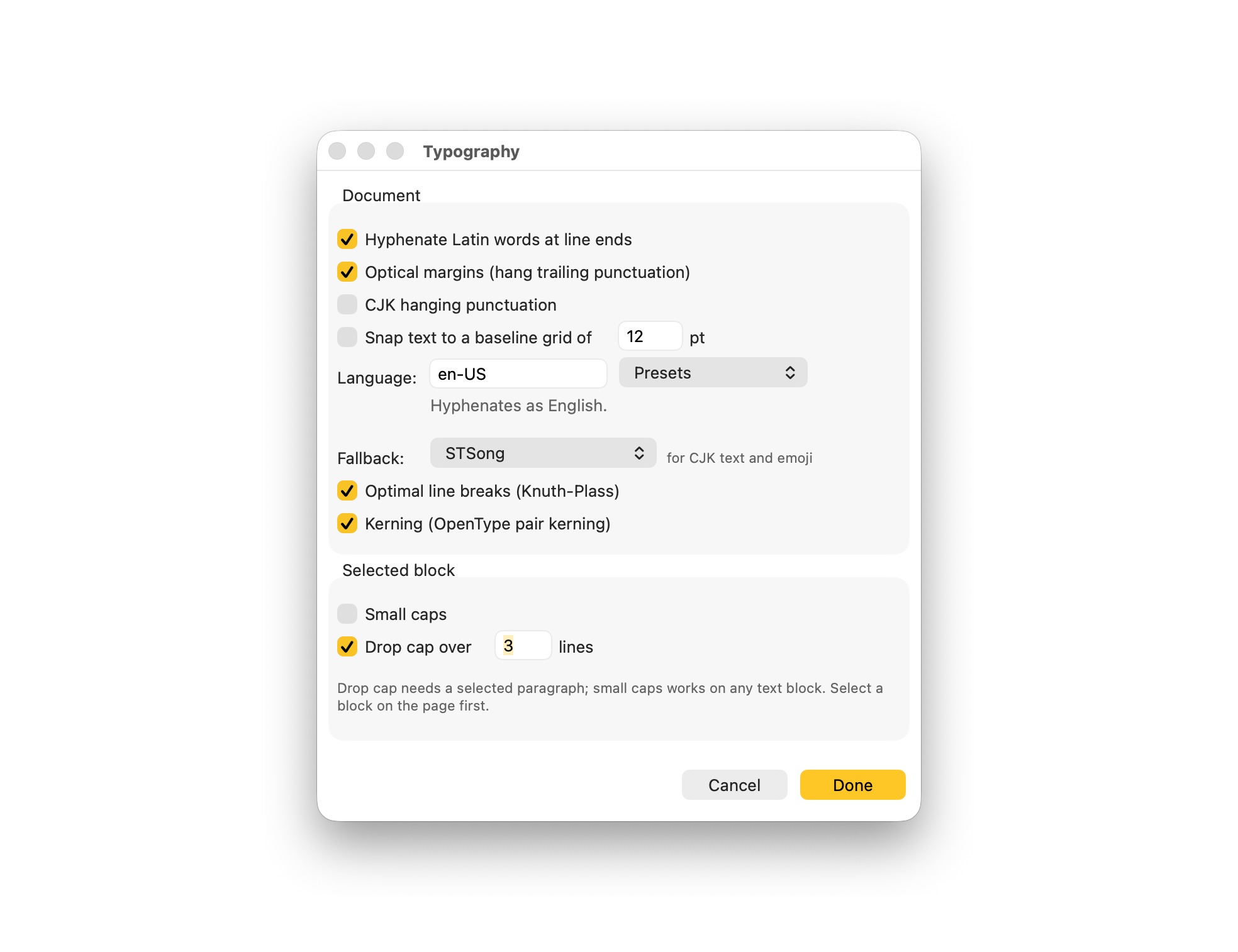
  • Optional whole-paragraph line breaking for justified text, with hyphenation, kerning, and widow and orphan control
  • Threaded frames, and tables that split across pages without losing their headers
  • Deterministic output: the same document renders to the same geometry every time, so a file can be compared, reviewed and kept in version control beside the code that fills it

PageWright Studio and PageWright

PageWright Studio and PageWright share one engine and one file format. Studio is where a document is designed — by hand, on the rendered page. PageWright is where it runs in production: a command-line engine for your servers that renders job lists across worker processes and writes one document per data record, unattended.

Supported Operating Systems

  • macOS on Apple Silicon
  • Windows 11

One installer sets up everything — the app and the PageWright engine together. Documents are portable JSON: render them anywhere the engine runs, including your servers.

Documentation

  • PageWright Studio Users Guide — 133 illustrated pages, itself rendered by the engine to PDF/UA-1 · PDF (12.4 MB)
  • Seven video tutorials on Appligent's YouTube channel — a first report, styles and themes, tables and charts, designed pages, step and repeat, data merge, and accessibility
  • Tooltips on every inspector property, drawn from the engine's own schema
  • The engine's own books — the Users Guide, Spec Reference and more — are listed on the PageWright page
Back to top